
Advanced Financial
Federal Credit Union
Banking… Only Better

We understand that life doesn’t slow down—between work, family, and everything in between, it’s easy for loan payments to sneak up on you. That’s why Advanced Financial FCU is proud to introduce MessagePay, a convenient, secure way to make your loan payments right from your phone or computer from any external account.
MessagePay is a simple payment tool that transforms the way you handle your loan payments with us. With MessagePay, you’ll be able to:
Whether you’re at home or on the go and simply want to make sure your account stays in good standing, MessagePay is there to help and puts the power in your hands.
Getting started is easy!
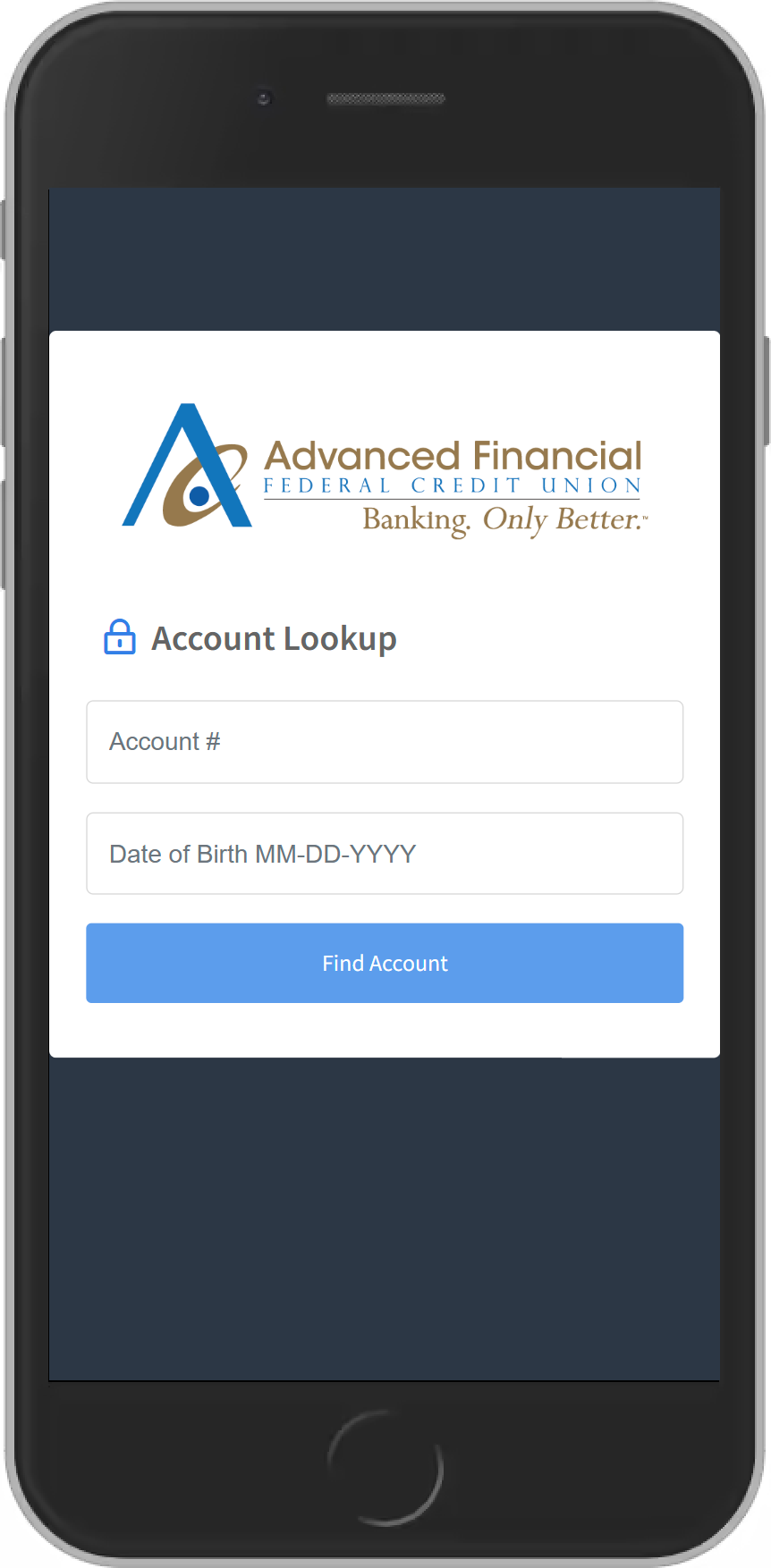
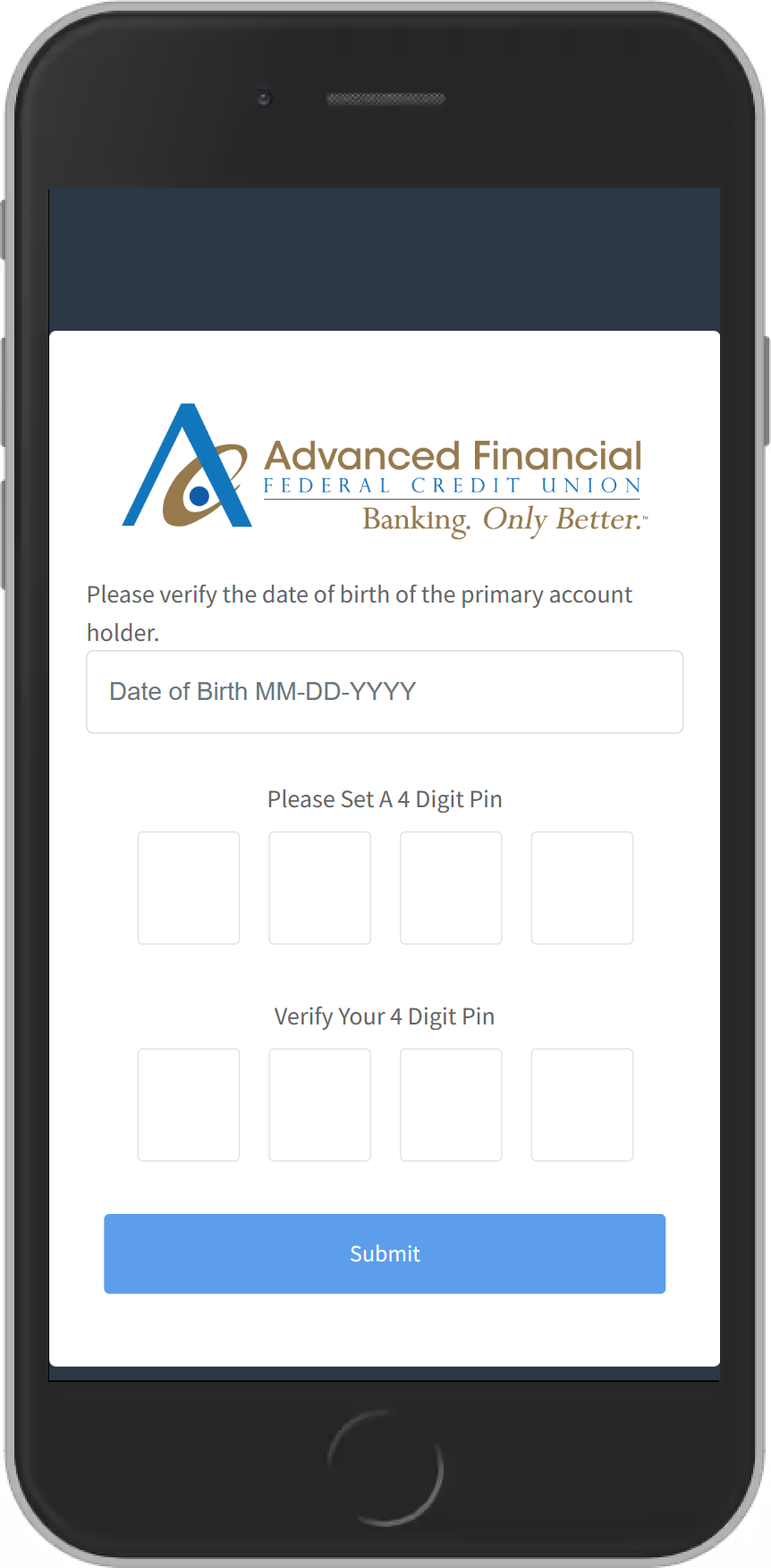
When you verify your account for the first time, you’ll be asked to enter your account number and date of birth. Then, you’ll need to set up the following:
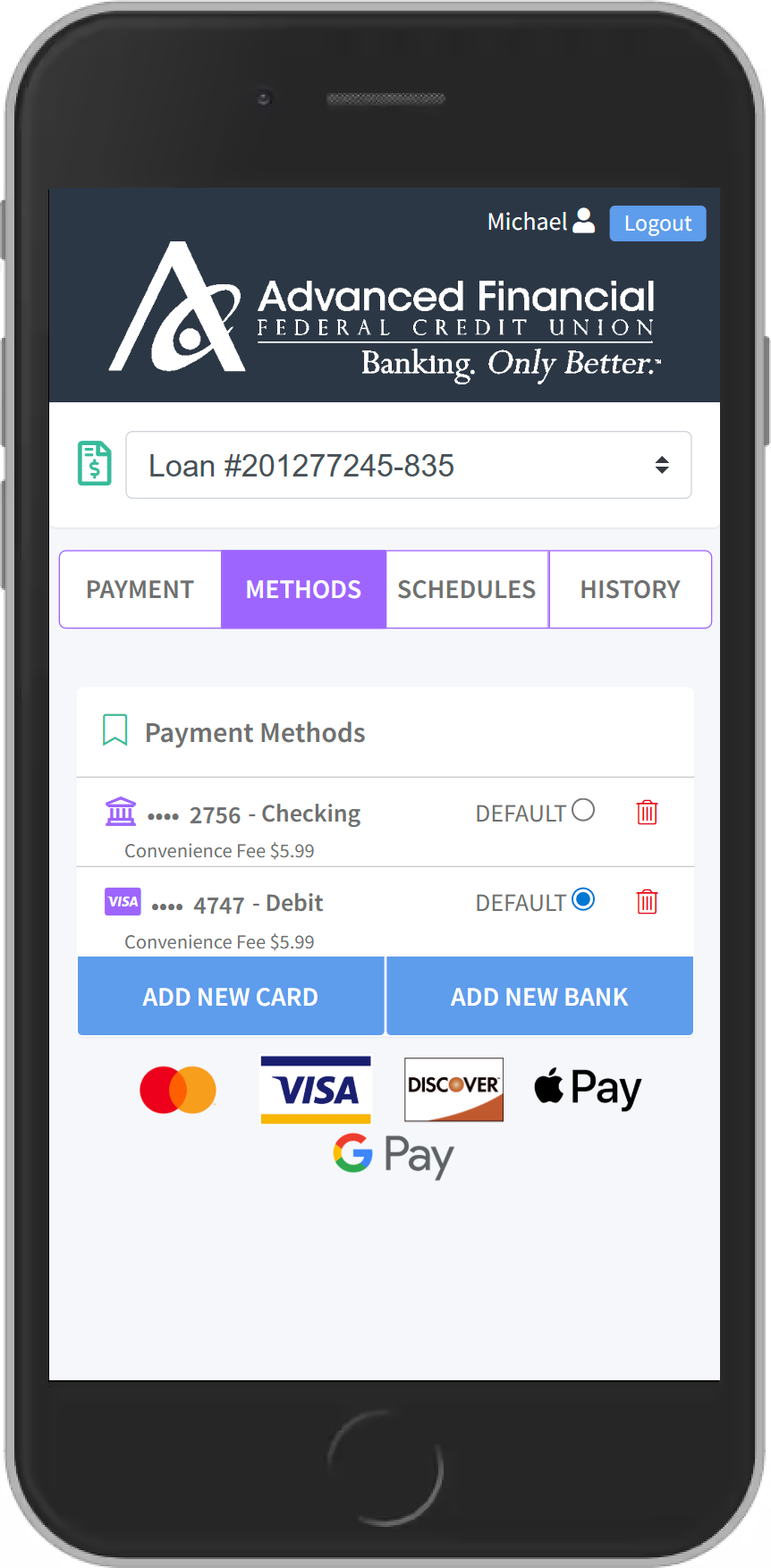
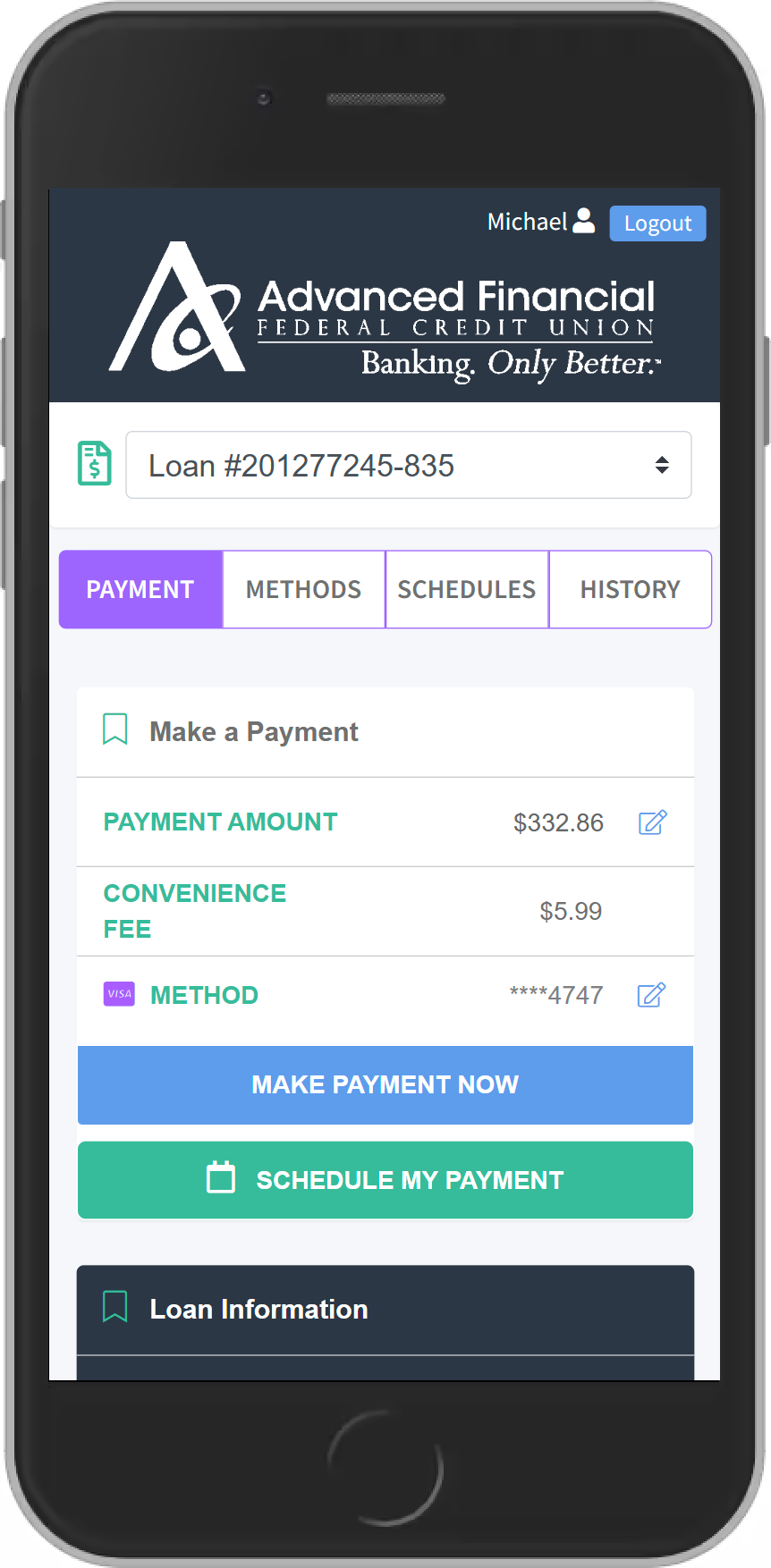
Once your account is successfully verified, you’ll be able to easily view all your loans and select your preferred payment method in the portal.
Can I make a payment on my loans through my online and mobile banking account?
Yes! Simply log in to your account through online or mobile banking using your smartphone, tablet, or desktop, and select “Make a Payment” from the menu bar. This will then lead you to the payment portal, where you’ll verify your account.
If I opt out of receiving text messages, will I still be able to pay my loans online?
Yes, you will have access to the payment portal through our website or online or mobile banking. However, you will not receive any text notifications regarding payment reminders and will not be able to make any payments via text message.
How can I pay my account via text message?
Once you receive a text reminder on your phone, you’ll respond “Pay” to the same message. You will be asked to enter your pin to verify your account. Once you have completed this process, your payment will be complete and you should receive a confirmation text.
*Please note, you will have to set up a 4-digit pin number and preferred method of payment prior to using text payments.

Our routing number for direct Deposits: 221276817
Federally Insured by NCUA
We do business in accordance with the fair housing law and equal opportunity act